Community Radio on a Shared Display or a Personal Phone?
Community radio on a shared display or personal phone changes who listens and joins in; choose a format that fits the audience, setting, and moment.
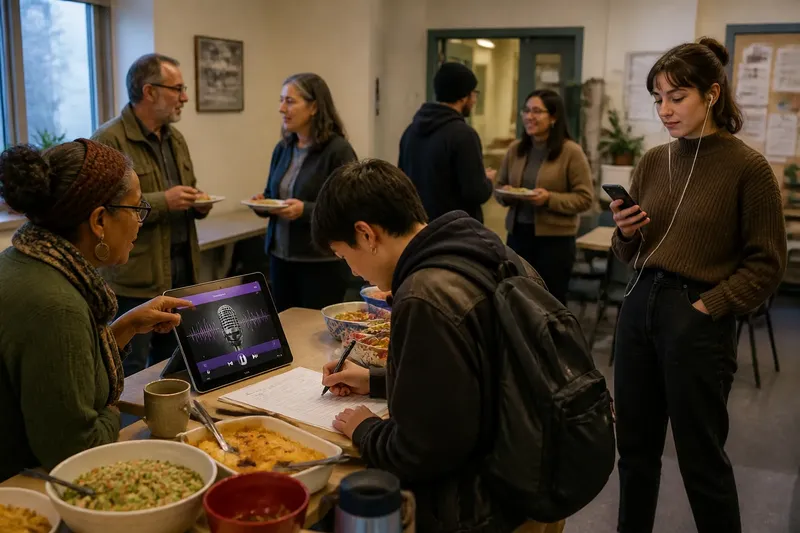
At a neighborhood potluck, someone sets a tablet beside the sign-in sheet and streams the local station while people arrive. Across the room, another guest listens to the same community radio on a phone with one earbud in. The program is identical, but the listening is not. Choosing community radio on a shared display or personal phone means deciding who should hear the sound, what else they are doing, and how they can respond.
A shared display makes radio part of a common place. A personal phone lets each listener carry the program through a changing day. Neither format is automatically more communal: the first can become background noise, while the second can connect someone to a neighborhood conversation from a distance. A useful way to choose is to treat the format as a routine, then adjust it as the audience and setting change.
Begin with the people who are already there
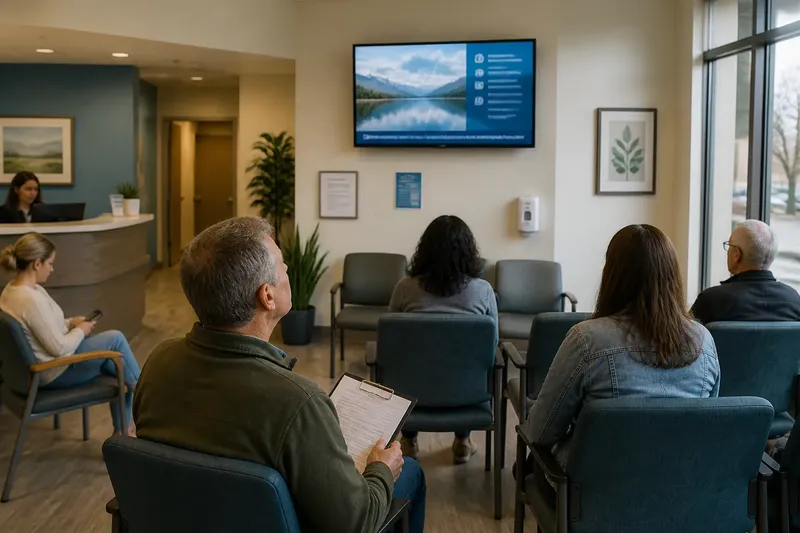
Start with the audience, not the device. A shared screen and speaker suit a group that is gathered in one room and may want to hear the same announcement, music program, or call-in segment. The display can show the station name, current program, or a simple prompt for participation. Keep the visual information readable from where people sit, and let the audio remain the main event.
A phone fits listeners who are moving between places, sharing a home with people who prefer quiet, or seeking a more private way to follow local news. Headphones help keep the program personal, but they also make a listener less available for nearby conversation. If participation matters, pair the stream with a clear route to respond, such as the station’s text line or a community group’s posted discussion prompt.
Ask one practical question before choosing: should the program be heard together, or should each person decide when to tune in?
Shape a week around the listening setting
A week-long routine can reveal which format serves the community without turning every listening session into an evaluation. Begin by selecting a regular program that already matters to the group, such as a local interview show or a neighborhood calendar segment. Keep the program and its time consistent while the listening setting changes. That makes it easier to notice whether people talk together, listen while working, or return later to share a point.
- At the start of the week: Tell listeners what the program covers and where the stream can be found. If using a shared display, place it where people can see the station information without blocking movement or conversation.
- During a shared gathering: Play the program at a comfortable level and leave room for people to speak. If the conversation repeatedly stops so listeners can hear, pause the stream or switch to headphones rather than asking everyone to compete with it.
- On a day when people are apart: Share the station link through the group’s usual channel. Invite listeners to send a response in their own time, instead of assuming that phone listening means immediate availability.
- Near the end of the week: Ask what listeners remember and whether they had an easy way to respond. Use the answers to decide whether the next session should be shared, personal, or offered in both forms.
Say a library’s community group meets on one evening, but several members cannot attend. The organizer could play the station on a small display during the gathering, then post the program link afterward. The expected observable result is that people in the room can discuss a shared segment while absent members can listen and contribute later.
Let attention guide the format
Shared listening makes attention visible. People may turn toward a speaker, point to a displayed program title, or pause to discuss an interview. That visibility can help a group recognize a common subject. It can also create pressure to appear attentive, especially if the screen is placed where everyone can see who is watching. Keep participation voluntary; a person should be able to listen quietly without being asked to perform engagement.
Phone listening distributes attention differently. A listener can pause, rewind, or stop without interrupting a room. At the same time, notifications and other phone activity can pull attention away from the broadcast. For a discussion-oriented session, encourage listeners to set the phone aside during a selected segment, then reopen it when the group is ready to respond. For casual listening, avoid treating divided attention as a failure: someone may be following the program while preparing food or traveling.
Choose the format that matches the kind of attention the program asks for, rather than the one that looks more active.
Choose the format that invites the right participation
A shared display can invite immediate, collective responses. A host can point out a local announcement, ask whether anyone recognizes a place mentioned, or invite a brief discussion after a segment. This works best when the group has a clear reason to speak together. Without that purpose, a display may simply become a background screen that nobody feels responsible for turning off.
Personal phones support private responses and participation across distance. Someone may send a question to the station, share a clip with a neighbor, or listen again before joining a conversation. The tradeoff is that responses can become scattered across messages and platforms. If the group wants to collect them, name one channel and explain who will read or share the contributions.
Some situations call for both formats. A community center might keep the stream on a shared display during an open gathering and post the same program link for people who are absent or prefer headphones. Make the choice explicit: the display is for the room, while the phone link is for individual listening. This avoids implying that everyone must join in the same way.
What should you do when the room is noisy?
If conversation makes the broadcast hard to follow, lower the volume or pause the stream and share the phone link for anyone who wants to continue. Do not raise the sound simply to compete with the room. The group can resume together when people are ready to listen.
Can a phone still support community listening?
Yes. Listeners can share a program link, discuss a segment in a group chat, or bring a question to the next gathering. The connection is community listening when people have a shared subject and a way to respond, even if they hear it separately.
What belongs on a shared display?
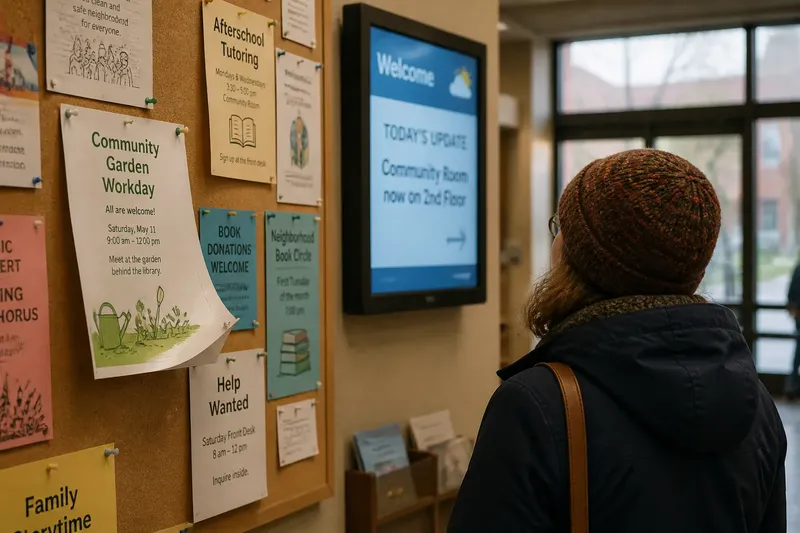
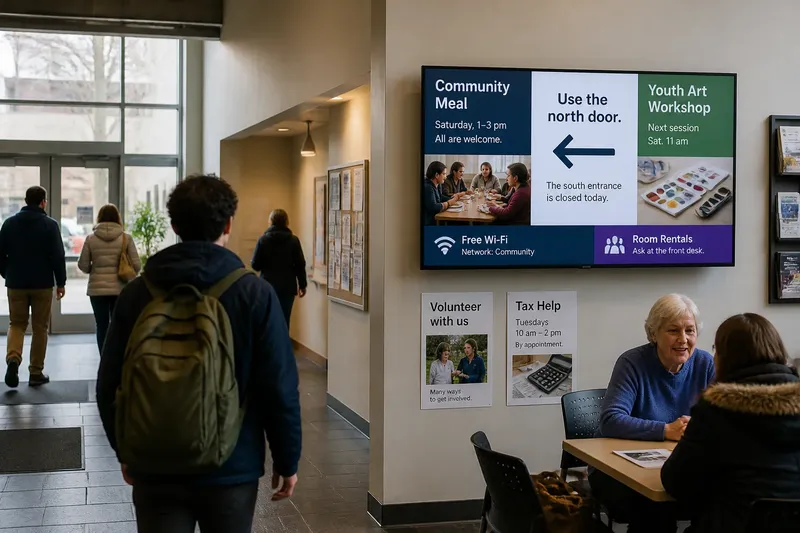
Keep the screen focused on useful context, such as the station name, program title, or a short participation prompt. Avoid adding moving visuals that compete with speech or make the display feel like a separate attraction. The sound and the group’s conversation should remain easy to follow.
How can a group tell whether to keep the routine?
Listen for observable signs: do people refer to the program afterward, use the response channel, or ask for another listening session? If the stream regularly interrupts conversation or goes unnoticed, change the timing, format, or program. For community radio on a shared display or personal phone, the most useful routine is the one that gives listeners a fitting way to hear and take part.
Before the next session, name one person who will start and stop the stream and one place where listeners can respond. That small bit of coordination keeps the device from becoming the center of the gathering and leaves the program available as a shared point of contact.